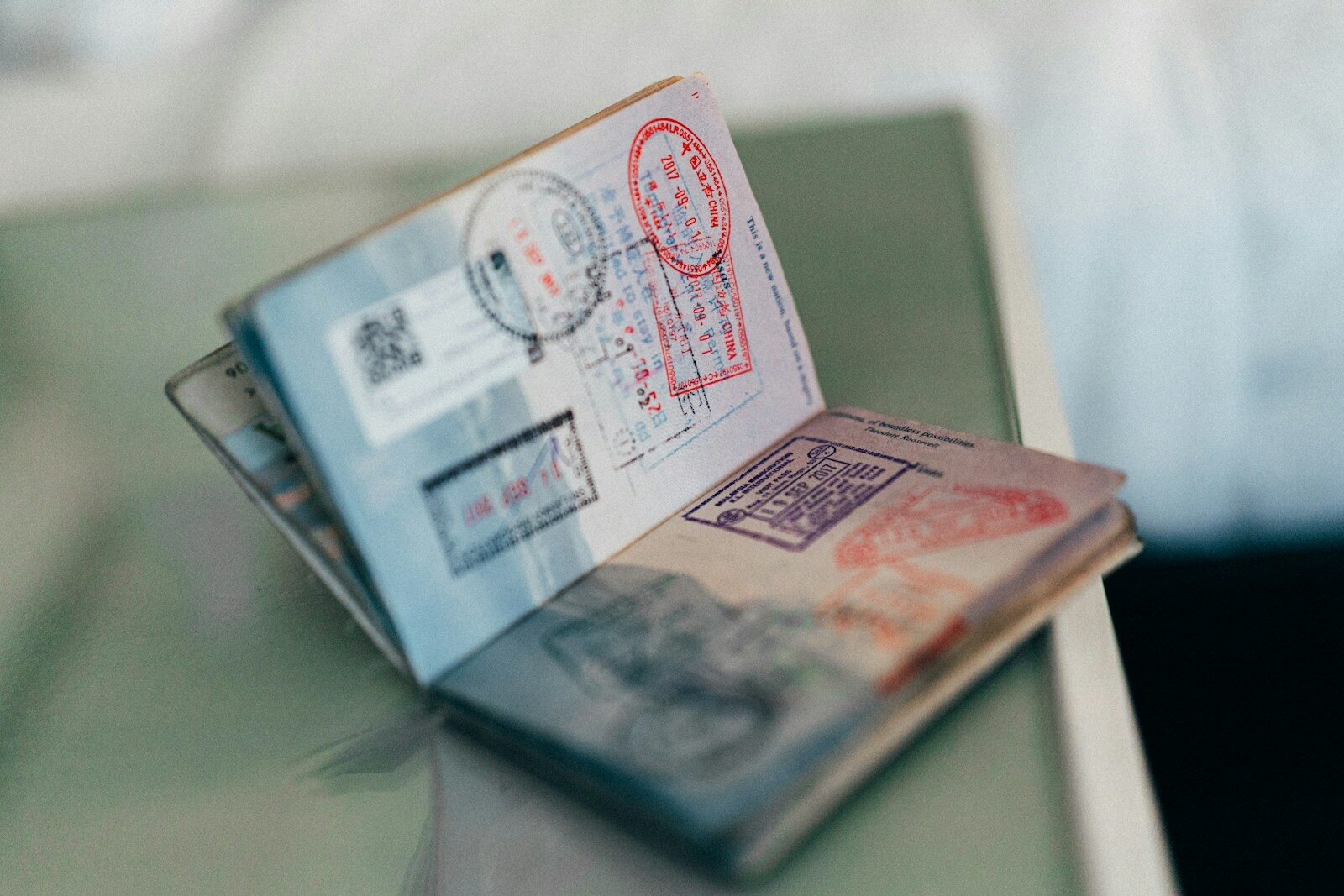
Getting a passport is one of the most important things you’ll do — and the photo requirements are notoriously strict. An incorrectly sized photo can get your application rejected, forcing you to start all over again. This guide walks you through exactly what’s required and how to get it right the first time.
Why Passport Photo Requirements Are So Strict
Passport photos are used for identity verification — by border agencies, visa officers, and biometric systems. For facial recognition software to work accurately, the photo must meet precise standards: correct dimensions, correct face-to-frame ratio, correct background, and correct file size for online submissions.
Even a photo that looks fine to the human eye can fail automated checks if the dimensions are off by a few pixels.
Standard Passport Photo Size Requirements
Requirements vary by country. Here are the most common:
- India (Passport Seva): 2 inch × 2 inch (51mm × 51mm), white background, face covering 70–80% of the frame
- USA: 2 inch × 2 inch (51mm × 51mm), white or off-white background
- UK: 35mm × 45mm, light grey or cream background
- Schengen Visa: 35mm × 45mm
- Online portals (e.g., DigiLocker, Passport Seva): JPEG, usually under 500KB–1MB
The Common Mistakes People Make
1. Wrong Dimensions
Many people resize a photo but don’t crop it to the correct aspect ratio first. A 2×2 inch photo isn’t just about width and height — it requires the face to be correctly centred and sized within the frame.
2. File Too Large
Online portals usually enforce a strict maximum file size (e.g., 500KB). A high-resolution photo from a phone camera can be 4–8MB — well above any portal’s limit. You need to compress it without visibly degrading quality.
3. Wrong Background
A cluttered or coloured background is one of the most common rejection reasons. The photo needs a plain white or very light background.
4. Incorrect Face Framing
Your face should fill 70–80% of the frame. Too small (you’re far away) or too large (your chin is cut off) will both fail.
How to Resize Your Passport Photo in Seconds
You don’t need to visit a photo studio or use complex software like Photoshop. PhotoFitResizer.in handles all of this directly in your browser:
- Upload your photo — JPG, PNG, or WebP
- Use the crop tool to frame your face correctly, choosing the right aspect ratio
- Select the passport photo preset or enter custom dimensions
- Set the maximum file size to match the portal’s limit
- Click Generate and download your perfectly sized photo
Everything happens locally in your browser — your photo is never uploaded to any server.
👉 Resize your passport photo to any portal’s exact specifications — Try it free at PhotoFitResizer.in →
Tips for the Best Result
- Use a recent, clear photo taken against a white wall or door
- Ensure your face is well-lit with no harsh shadows
- Remove glasses (most modern passport systems require this)
- Look straight at the camera with a neutral expression
- Use the 70–80% face coverage guideline in the crop tool
A correct passport photo takes less than a minute to prepare when you have the right tool. Get it right the first time and avoid the hassle of a rejected application.