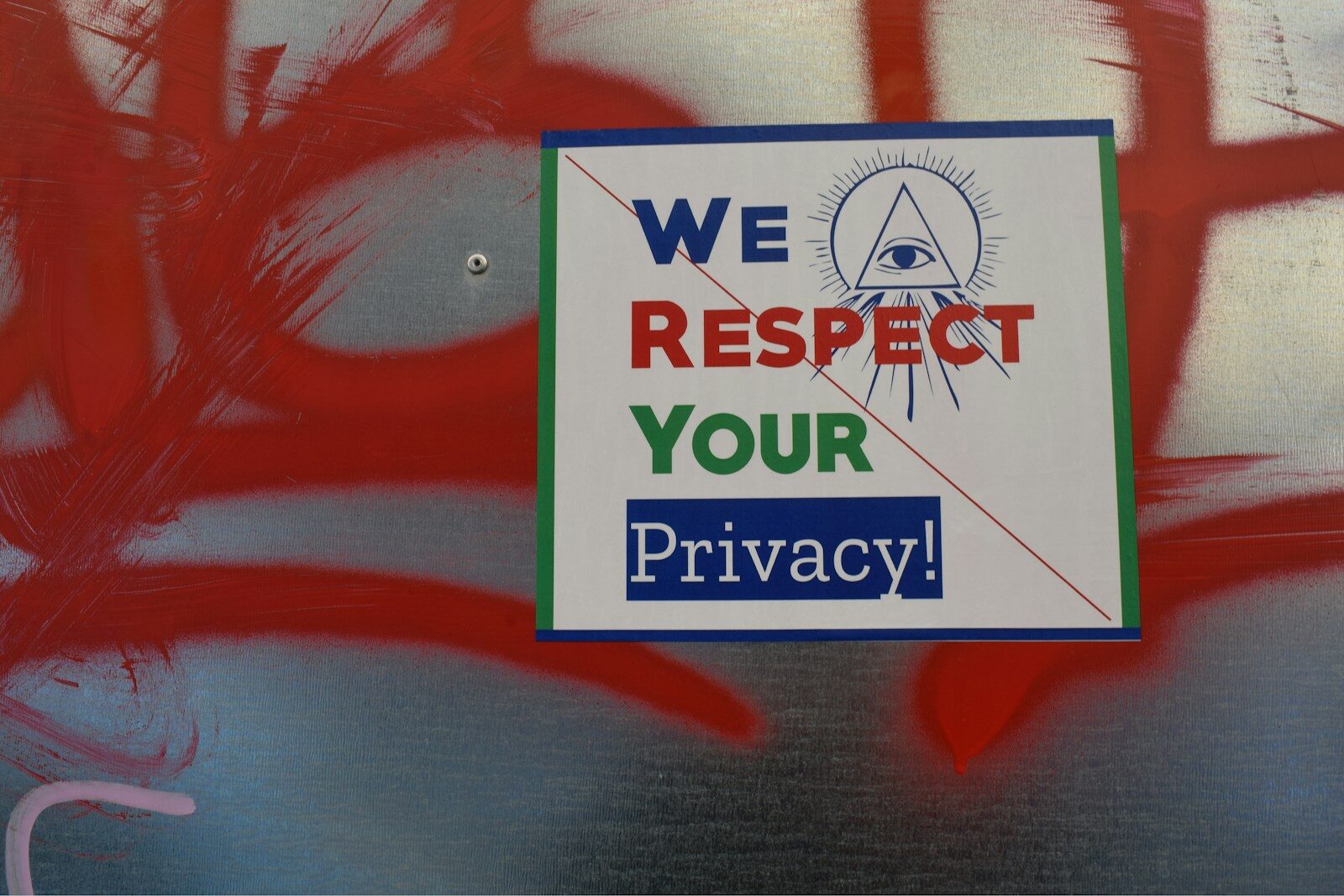
You need to resize your passport photo. You search online, click the first tool you find, and upload your photo. The tool processes it. You download the result. Done.
But where did your photo go? Who stored it? How long will it be there? Could it be linked to your identity?
For most images, these questions don’t matter much. For an official government ID photo of your face, they matter enormously.
What Happens When You Upload to a Server-Based Tool
Most online image processing tools work by:
- Receiving your file on their server
- Processing it using server-side software
- Storing a temporary copy while you download the result
- Theoretically deleting it after a set period
“Theoretically” is doing a lot of work in that last point. Privacy policies vary wildly. Some tools retain images for 24 hours; others for days. Some store them indefinitely. Some use them for analytics or training datasets. And once your image is on someone else’s server, you have no control over what happens to it.
Why This Is Particularly Risky for ID Photos
A passport photo is not just an image — it’s a biometric data point:
- It can be used to verify your identity
- It can be matched against other databases using facial recognition
- It contains identifiable features that can be linked to other personal data
- In the wrong hands, it could be used for identity fraud or account takeover
The same photo you’re submitting for your passport, visa, or job application should not be sitting on an unknown web server waiting to be deleted (maybe).
The Safe Alternative: Browser-Based Processing
Modern browsers are capable of processing images entirely locally using the HTML5 Canvas API and JavaScript. This means:
- Your photo never leaves your device
- There is no server involved — the processing happens on your computer or phone
- Closing the browser tab is equivalent to deleting the file
- No privacy policy can govern data that was never collected
How to Verify a Tool is Truly Client-Side
When using an online image tool, you can verify it’s client-side by:
- Opening your browser’s Network tab in developer tools (F12 in Chrome)
- Uploading your image
- Watching whether any network requests are made after the upload
A genuinely client-side tool should make no outbound requests containing your image data after the page loads.
PhotoFitResizer.in is built entirely on browser-side JavaScript. You can verify this yourself using the above method — no image data is ever sent to any server.
👉 Resize your ID photo completely privately — zero uploads, zero data collection. Try it free at PhotoFitResizer.in →
Other Privacy Practices to Follow
- Use trusted, well-reviewed tools even for non-sensitive images
- Read the privacy policy of any tool before uploading personal photos
- For highly sensitive documents, prefer offline software (or browser-based tools) over server-side tools
- Clear your browser cache after processing if using a shared or public device
You Shouldn’t Have to Choose Between Convenience and Privacy
The best tools offer both. PhotoFitResizer.in was built with privacy as a core principle, not an afterthought — because when it comes to official government ID photos, you shouldn’t have to worry about where your face is being stored.